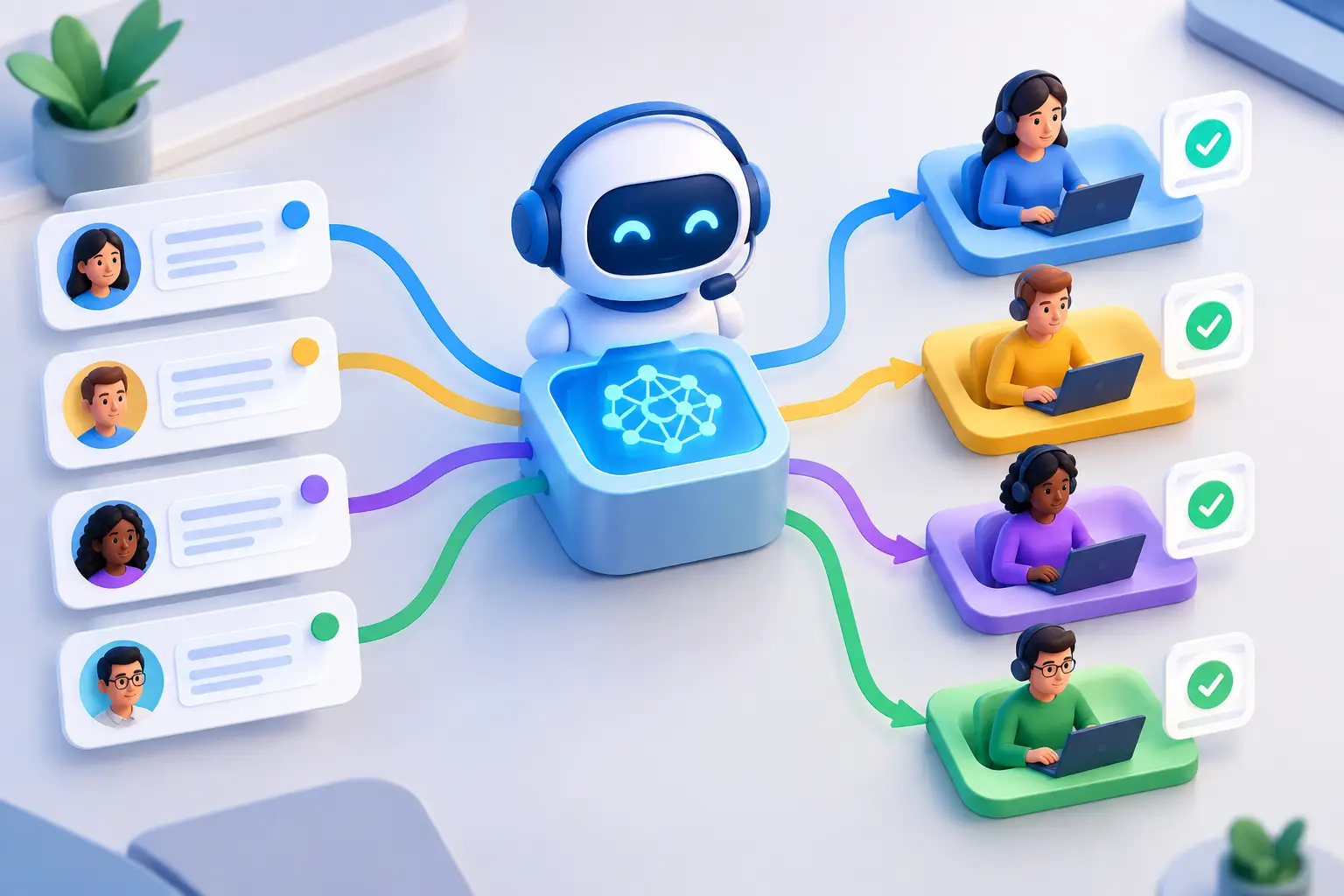
A billing caller does not want to explain their account issue to three people. A customer reporting a safety concern cannot wait in the same queue as someone checking business hours. That is where AI customer service triage earns its place: it answers, understands what is happening, captures the details that matter, and sends the case to the correct next step before the customer loses patience.
For support leaders, the goal is not to automate every conversation at any cost. The goal is to stop treating every inbound call as identical. A configurable AI operator can handle the first layer of work consistently, give live agents the context they need, and create a documented record of what happened.
What AI Customer Service Triage Actually Does
Triage is a decision workflow, not a chatbot with a greeting. An AI voice agent receives a call, identifies the caller's intent, collects required information, determines urgency, and applies routing rules. The output might be a transfer to a specialist, a booked appointment, a ticket with structured notes, a callback request, or a completed self-service interaction.
The distinction matters because a basic phone menu asks callers to classify themselves using rigid choices. An AI triage agent can interpret natural language. A caller can say, “My delivery arrived damaged and I need this fixed before tomorrow’s event,” and the agent can recognize a product issue, collect an order number, flag the deadline, and route the case to the right queue with a concise summary.
A useful triage workflow turns each call into three operational outputs: a decision, supporting evidence, and a next action. The decision is the category and priority. The evidence includes the caller’s answers, transcript, account details, and stated constraints. The next action is the handoff, ticket, appointment, escalation, or follow-up.
Without those outputs, teams still spend the first minutes of every conversation rediscovering the problem. That slows resolution even when the call reaches the correct person.
The Signals That Make Triage Reliable
Effective routing depends on more than detecting a few keywords. The agent needs a defined decision model based on the information your team actually uses to prioritize work. For a property management company, that may be unit number, maintenance category, habitability risk, and access availability. For a healthcare scheduling team, it may be appointment type, location, insurance question, and time sensitivity. For a financial-services operation, it may be identity verification status, transaction type, and fraud indicators.
Most workflows benefit from collecting at least these signals:
- Caller identity and account or case reference
- Intent, expressed in the customer’s own words and mapped to a service category
- Urgency, including deadlines, service outages, safety risks, or financial impact
- Eligibility or required details, such as location, product, plan, order number, or appointment preference
- Preferred resolution path, including transfer, callback, appointment, or written follow-up
The script should not feel like an interrogation. It should use progressive questions: ask for the issue first, then gather only the fields needed for that issue type. Someone calling about a password reset should not be asked questions designed for a damaged-order claim.
This is also where configuration beats generic automation. Your service team already has judgment embedded in escalation rules, queue definitions, agent specialties, and service-level targets. AI should operationalize that judgment, not replace it with a vague model of “helpfulness.”
Example: From a Call to a Routed Case
Consider an inbound call to a home-services provider. The caller says their air conditioning stopped working, the home has an infant, and outdoor temperatures are over 95 degrees.
The agent identifies an HVAC outage, verifies the service address, checks whether the customer is under an active service plan, captures available access windows, and recognizes a high-priority condition. It then creates a priority ticket, sends the complete notes to dispatch, and offers the earliest appropriate appointment slot.
The dispatcher does not receive a generic message that says “customer needs help.” They receive the problem category, address, plan status, urgency rationale, availability, transcript, and a confirmed next action. That is the difference between call containment and operational triage.
Design the Workflow Before You Turn on the Agent
The fastest implementations begin with a narrow, high-volume use case. Pick the call types that create repeated intake work, long hold times, or frequent misroutes. Common starting points include appointment requests, order-status questions, service outages, account-access issues, new lead qualification, and after-hours overflow.
Then define the workflow in the same language your operations team uses. Start with the inputs: phone number, customer record, open tickets, location, hours, account status, and any required verification fields. Next, define the questions and the decision rules. Finally, specify what the system must do after the call: transfer, create or update a ticket, book a slot, send an alert, or schedule a callback.
A practical configuration might read like this: if a caller reports a safety issue, collect the location and immediate risk details, mark the case urgent, notify the on-call team, and provide the approved emergency guidance. If the call concerns a standard appointment request, check capacity and book directly. If identity cannot be verified, route to a secure human workflow rather than exposing account information.
This level of specificity protects both customer experience and team capacity. It also creates an auditable operating model. Managers can inspect why a case was prioritized, which answers triggered escalation, and whether the agent followed the approved process.
Human Handoffs Are a Feature, Not a Failure
The best AI triage systems know when to stop. Customers should reach a person when the issue is complex, emotionally sensitive, high risk, or outside the defined policy. A billing dispute involving multiple transactions may need an experienced specialist. A caller expressing distress should not be pushed through an automated flow. A request that requires an exception should go to a person empowered to make it.
The handoff should carry context. If the customer has already given their account number, explained the issue, and stated their preferred callback time, the human agent should see that information immediately. Repeating questions is one of the fastest ways to make automation feel careless.
Set escalation triggers deliberately. These may include repeat contact within a defined period, negative sentiment, certain regulated topics, low confidence in intent classification, a failed verification step, or a stated safety concern. The right thresholds depend on your risk profile and service model. A restaurant group can safely automate more routine reservation changes than a healthcare provider can automate clinical questions.
Colleagu supports this model with configurable inbound voice agents that call, qualify, summarize, and route according to the workflow your team defines. The practical value is not simply answering more calls. It is delivering the right call, with the right evidence, to the right person or system.
Measure Whether Triage Is Improving the Operation
Do not judge the program only by how many calls the AI agent answers. A high containment rate can hide bad outcomes if callers are unable to get help or cases are routed incorrectly.
Track routing accuracy, transfer rate by intent, time to first meaningful action, repeat-contact rate, abandonment rate, and resolution time. Compare performance by call type. If appointment requests resolve quickly but billing calls repeatedly escalate, that may be correct. The purpose is to learn where automation adds speed and where the workflow needs more human coverage.
Review transcripts regularly, especially for escalated calls and low-confidence classifications. They reveal whether the script is missing a key question, whether categories are too broad, or whether customers use language your routing rules do not yet recognize. Triage improves through operational feedback, not a one-time launch.
CRM and help-desk synchronization matter here. A call summary that lives only in a separate dashboard creates more work. A useful setup writes structured fields, notes, recordings or transcripts where appropriate, disposition, priority, and follow-up status into the systems agents already use.
Start With the Queue That Is Costing You the Most
You do not need to redesign the entire contact center to see results. Start where callers wait too long, agents repeat the same intake questions, or important cases get buried in general queues. Build a controlled workflow, define clear escalation rules, and inspect the records it produces.
When every call arrives with intent, urgency, verified details, and a documented next step, your service team can spend less time sorting work and more time resolving it. That is the operational promise of AI triage: not fewer customer conversations, but better-prepared ones.